Get your app on the App Store.
React Native apps built and carried all the way through Apple review — App Store Connect, signing, EAS builds, TestFlight, in-app purchases, and the guideline work that decides whether you get approved. Four apps live under our own developer account.
What sits between “it works on my phone” and “it’s on the App Store”
You can have a React Native app that runs perfectly on your own device and still be nowhere near a listing. The code was never the hard part of that last stretch. In the way is a delivery pipeline and a compliance checklist, both owned by Apple, both unforgiving about details that have nothing to do with whether your product is any good.
We have walked it four times under our own developer account. Each of those apps went through the account, signing, build and review steps described below.
The delivery pipeline, step by step
The developer account
Enrolling as a company rather than as an individual means Apple wants a real legal entity. Apple’s enrollment page is blunt about it: “We do not accept DBAs, fictitious business names, trade names, or branches.” On top of that you need a D-U-N-S Number so Apple can verify the entity, a work email address on your organization’s own domain, and a website at that domain that is “publicly available and functional.” Apple also notes that “your organization’s name will be displayed as the seller name of your apps on the App Store” — the name on the paperwork is the name your customers see. The D-U-N-S Number gates the rest of enrollment, so it is the first thing we start. On the first call we tell you whether you should own the account or ship under ours.
Signing and provisioning
Every binary Apple accepts is cryptographically signed. That means a distribution certificate, an App ID, and a provisioning profile — and the moment you add push notifications, Sign in with Apple, or in-app purchases, those capabilities have to match in three places at once: the App ID, the profile, and the app’s entitlements. Get one of the three out of step and the upload is refused before any human sees the app.
EAS Build
We build with Expo’s EAS Build, so the binary comes off a clean hosted macOS machine with a pinned toolchain instead of off somebody’s laptop. That matters for a reason you feel later: the build sent to Apple is reproducible. When something breaks months from now, it broke because the project changed, not because a local Xcode updated itself overnight.
TestFlight
TestFlight is Apple’s beta channel, and it is the closest thing an app has to a preview URL. Up to 100 members of your development team — those holding the Account Holder, Admin, App Manager, Developer or Marketing role — can be designated as beta testers. Beyond the team, up to 10,000 external testers can be invited, with two conditions Apple sets: you need a first build already approved by App Review for TestFlight, and after that, in Apple’s words, “your builds are automatically sent for review once they’re added to a group.” Either way, you hold a real build on your own device before anything is submitted for sale. You are not approving screenshots.
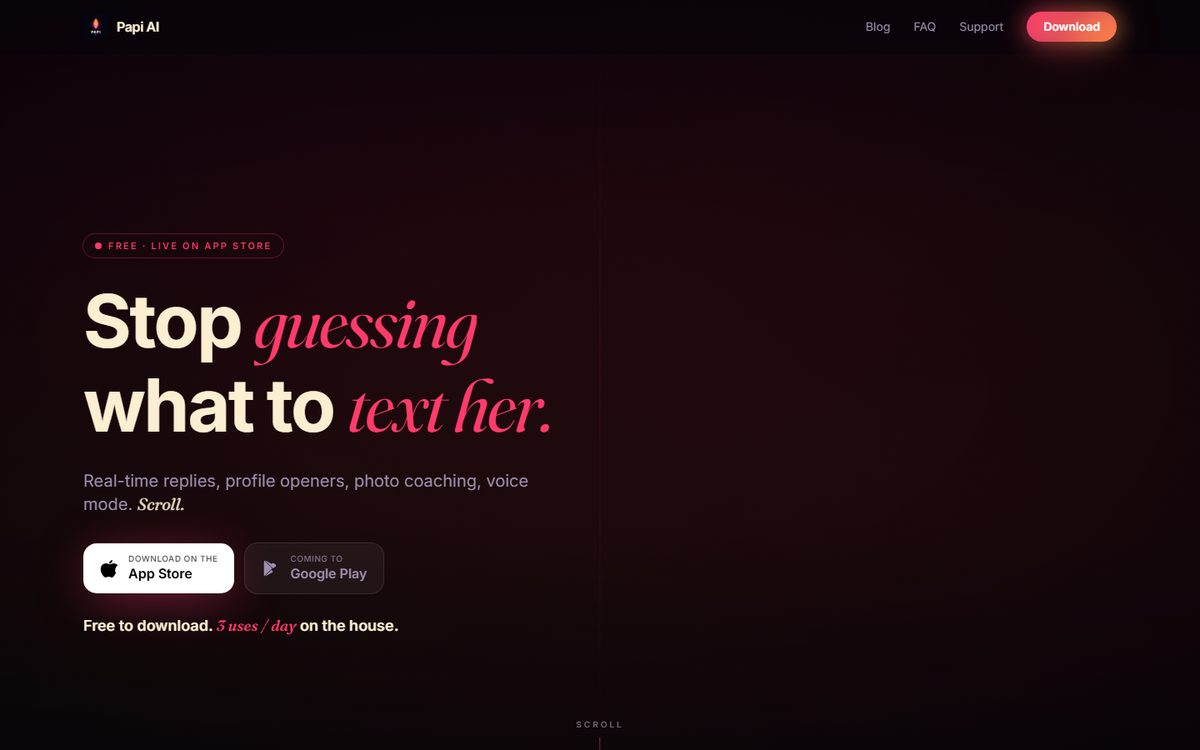
Papi AI
React Native on a FastAPI backend with Groq inference and a LoRA fine-tune, live on the App Store under our developer account.
See it on the App Store ->The review gates that actually bounce apps
A rejection notice names a guideline, not a bug. The guidelines below are the ones with concrete, checkable requirements — the kind you either satisfied before submitting or did not. We set up against them as a matter of course.
The privacy nutrition label
App Store Connect will not take a new app or an update until the App Privacy section is filled in. Apple’s own words: this information “is required to submit new apps and app updates to the App Store.” You have to identify every data type you or your third-party partners collect, and Apple defines partners broadly — “analytics tools, advertising networks, third-party SDKs, or other external vendors whose code you’ve added to your app.” For each type you declare whether it is linked to the user’s identity “via their account, device, or other details” and whether it is used to track them. The label is public, and guideline 2.3 holds you to it as metadata.
PrivacyInfo.xcprivacy
Separate from the label, a file ships inside the app bundle. Apple describes it as “a property list file (PrivacyInfo.xcprivacy) that you add to your target’s resources,” and it reports the data you collect and the required-reason APIs your code uses — for your app and for the third-party SDKs inside it. Apple is direct about the consequences: “App Store Connect rejects app submissions that include invalid privacy manifest files,” and if you upload one, “you receive an email that includes the name and path of the invalid files in your app bundle.” Apple also publishes a list of commonly used third-party SDKs that must ship a privacy manifest when you submit a new app containing one, or an update that adds one. We audit the dependency list for this before the first submission, not after the rejection email.
Sign in with Apple, once you add a Google login
Guideline 4.8 says that if your app uses a third-party or social login — Apple names Facebook, Google, X, LinkedIn, Amazon and WeChat — to set up or authenticate the user’s primary account, you must also offer an equivalent login service: one that “limits data collection to the user’s name and email address,” lets users keep that address private, and “does not collect interactions with your app for advertising purposes without consent.” In practice that is Sign in with Apple. Apple does list narrow exemptions — among them apps that exclusively use the company’s own sign-in system — but if a Google button is your primary account path, the equivalent option is not optional. Sign in with Apple is on our standard delivery list, alongside in-app purchases and push notifications.
Account deletion has to live inside the app
Guideline 5.1.1(v): “If your app supports account creation, you must also offer account deletion within the app.” A support email address does not satisfy it. It has to be a real path in the interface that genuinely deletes the record on your backend.
In-app purchase, and why the check belongs on your server
Guideline 3.1.1 requires in-app purchase for anything that gives access to features or functionality inside the app. Apple’s own examples are “subscriptions, in-game currencies, game levels, access to premium content,” or a full version, and it rules out your own mechanisms, naming “license keys, augmented reality markers, QR codes, cryptocurrencies and cryptocurrency wallets.” Compliance is only half of it. A purchase that the phone alone decides is real is a purchase a determined user can fake. Apple publishes the App Store Server API — in its own documentation, “a REST API that you call from your server to request and provide information about your customers’ In-App Purchases,” with the transaction and renewal information signed by the App Store. We verify against it and grant the entitlement from your backend, on the same principle we hold to on the web: money logic enforced server-side, never in the browser.
The small things that still stop a review
Guideline 2.1 asks you to “include demo account info (and turn on your back-end service!) if your app includes a login” — leave that box empty and the reviewer never gets past your login screen. Guideline 2.3 wants metadata, description, screenshots and previews that “accurately reflect the app’s core experience.” Guideline 4.2 wants an app with “features, content, and UI that elevate it beyond a repackaged website.” And if users can post to each other, guideline 1.2 requires all four of a filter for objectionable material, a report mechanism with timely responses, the ability to block abusive users, and published contact information. Car Lounge is listed on the App Store under Social Networking, so that entire list applies to it.
Already rejected? Send us the Resolution Center message
A rejection names a guideline number and gives you a paragraph of explanation. That is enough to work from. We read the guideline text as written, reproduce what the reviewer saw on a real device, fix the actual thing, and draft the reply. Some rejections are answered rather than rebuilt, and a reply that points at one specific change can be the whole fix. If it does need a new build, it gets a new build. What we will not do is guess at what Apple meant and resubmit hoping.
How this works
One person builds it, and you talk to the person writing the code. No account managers, no handoffs, nothing quietly sent offshore — one builder from the first call to launch. Deliverables are written in plain language, pricing is fixed, and both are agreed and signed off before a line of code gets written. There is no published price here, because no two apps are the same size, but you get your number before work starts.
The delivery discipline is the same one behind our web work: the two-sided lead marketplace we built and still run keeps its money logic on the server and tracks every SMS individually, and the rest of the studio’s live work sits on the front page. If you have an app idea, a half-finished build, or a rejection you cannot get past, tell us what you have and we will tell you what the remaining path looks like.
Bring us the app. We’ll get it through review.
New build, half-finished project, or a rejection you are stuck on — send the details and you will get a straight answer about what stands between you and a live listing.